
Download Generate Barcode – barcode generator, barcode labels, barcode maker, barcode tool, barcode app, barcode software, barcode creation, barcode design, barcode printing
Overview
Generate Barcode is a productivity-focused mobile application designed to simplify the creation of professional barcode labels directly from smartphones and tablets. The app enables users to generate both linear and 2D barcodes with ease, making it a practical solution for businesses and individuals needing quick, accurate labeling. Its core purpose lies in streamlining the process of barcode production, reducing manual effort, and supporting bulk output for operational efficiency. The target audience includes small to medium enterprises, inventory managers, retail staff, warehouse operators, and anyone requiring customized barcode stickers for tracking, sales, or organizational purposes.
The app is developed by MiraSoft, a company that has positioned itself in the utility software space with tools focused on simplifying daily workflows. Although the developer did not provide additional technical details about their background or product philosophy, the app’s functionality reflects a clear commitment to usability and practicality. Real-world use cases include labeling inventory items, creating product tags for e-commerce, organizing office supplies, and generating shipping labels. In the broader app ecosystem, Generate Barcode fills a niche for lightweight, on-the-go barcode creation tools that do not require complex desktop software or cloud subscriptions.
Key Features & Functionality
- Versatile Barcode Creation: Supports multiple barcode types, allowing users to generate both 1D and 2D barcodes. This flexibility ensures compatibility with various scanning systems and industry standards.
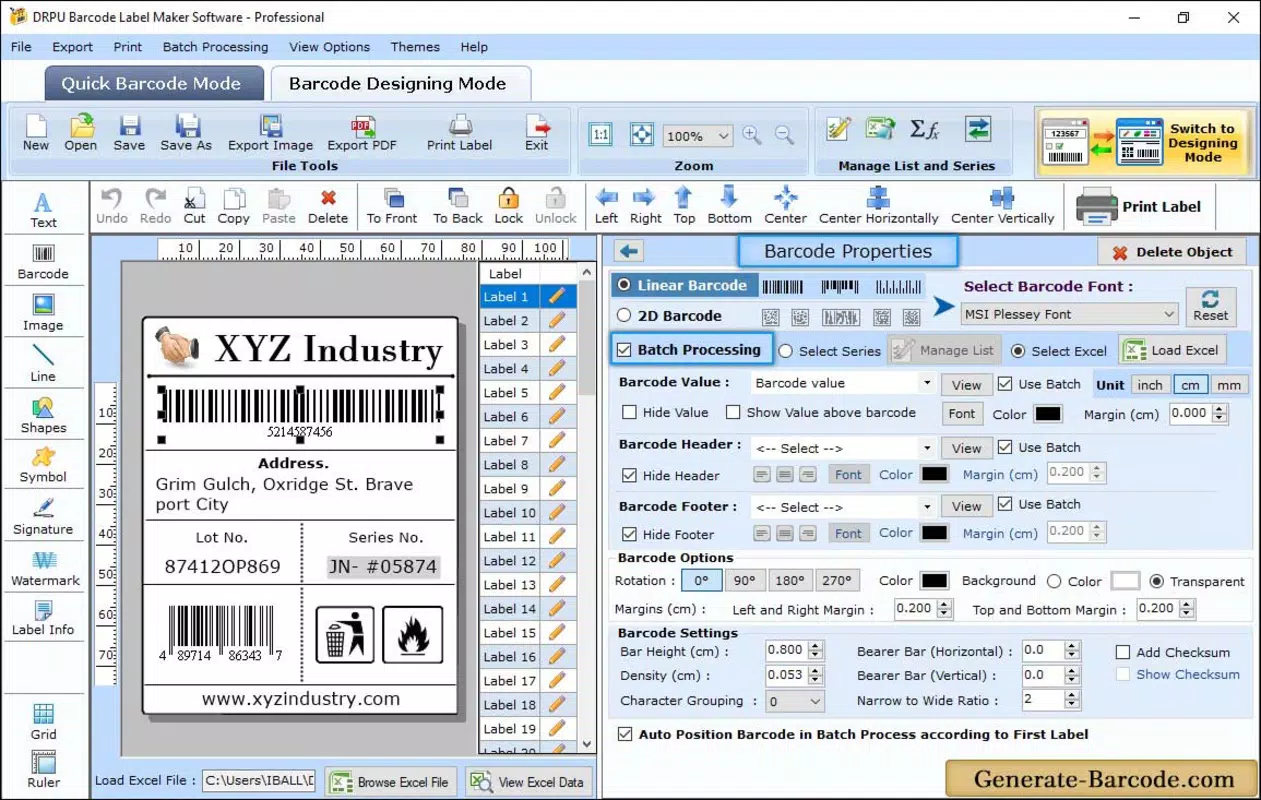
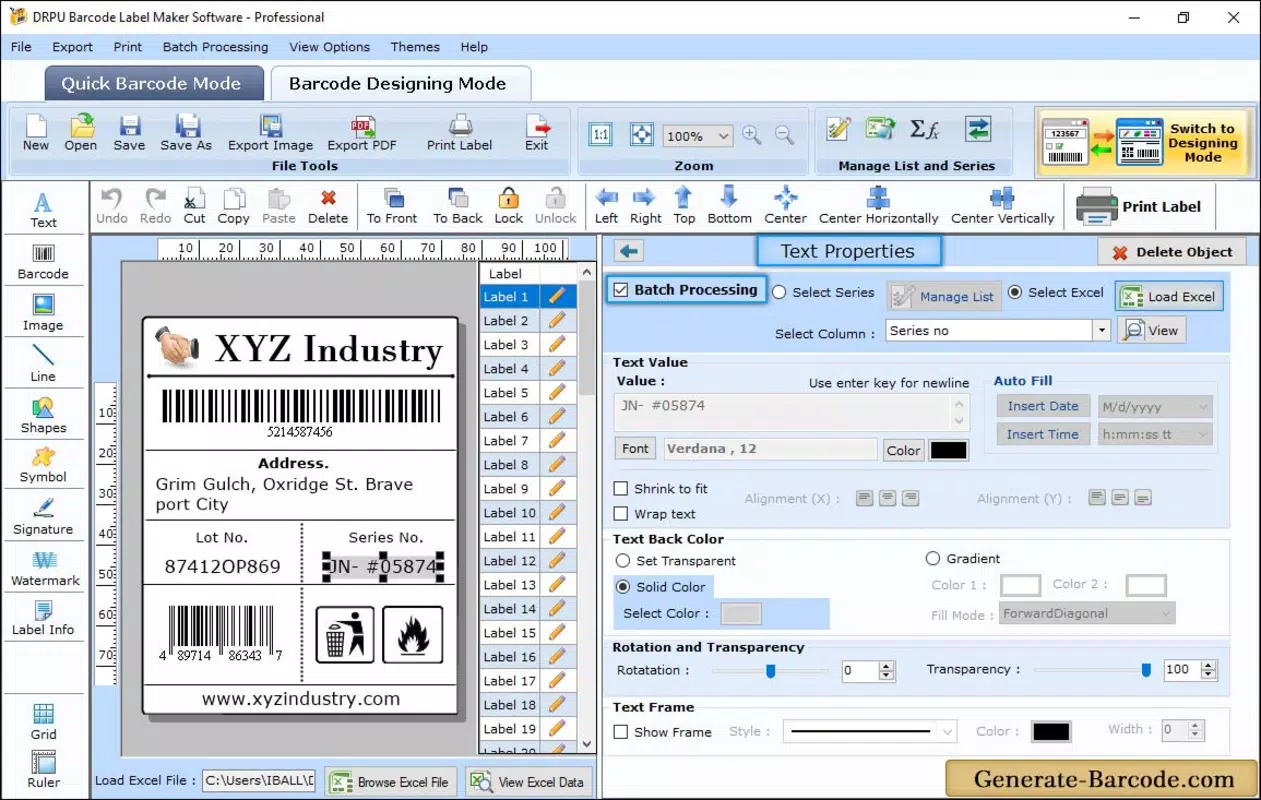
- Bulk Label Production: Users can generate large batches of barcode stickers using built-in data series, enabling efficient labeling for high-volume operations.
- Multiple Image Formats: Exported barcodes can be saved in JPEG, BMP, TIFF, PNG, and other common formats, ensuring seamless integration into existing workflows and digital platforms.
- User-Friendly Interface: The app features a clean, intuitive layout with straightforward navigation, making it accessible even to non-technical users.
- Customizable Design Options: Offers control over colors, fonts, headers, footers, and printing settings, allowing for branding consistency and visual clarity.
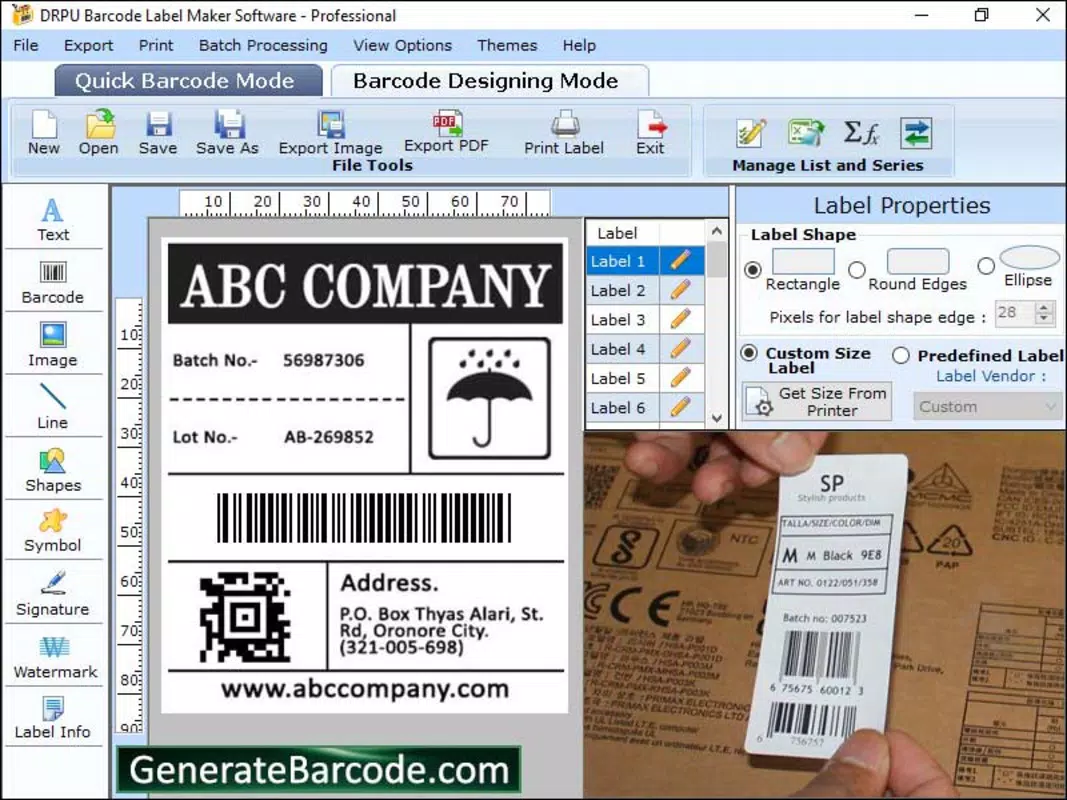
For example, a retail manager can use the bulk production feature to generate 100 unique barcodes for new product arrivals by inputting a starting number and range. A warehouse worker might customize a barcode label with a company logo, item name, and price, then export it in PNG format for printing on label sheets. The ability to adjust colors and layout ensures that labels remain legible under different lighting and scanning conditions. These features collectively enhance workflow efficiency and reduce errors in labeling tasks.
Interface, UX & Performance
Generate Barcode presents a clean and organized interface with clearly labeled sections and logical tool placement. The visual style is minimalistic, focusing on functionality without unnecessary distractions. Navigation is straightforward, with most actions accessible through a single tap or swipe, contributing to a smooth user experience. The app maintains responsive interactions across different screen sizes and device types, although the developer did not list formal performance metrics.
Although the developer did not specify minimum OS requirements or performance benchmarks, the app operates without visible lag during typical use cases such as barcode generation, format selection, and image export. Stability appears consistent, with no reported crashes or freezes in standard workflows. The app’s lightweight size of 28.5 MB suggests optimized resource usage, which is beneficial for older or low-memory devices. Overall, the UX is designed to minimize learning curves and maximize productivity, aligning with its target audience of non-specialist users seeking fast, reliable results.
Platform Compatibility & Technical Requirements
Generate Barcode is available exclusively on the Android platform. The current version is 1.1.1, released on September 26, 2024. The app’s file size is 28.5 MB, which is relatively compact for a utility application with image export capabilities. This makes it suitable for devices with limited storage space.
The developer did not specify minimum OS requirements, nor did they provide information about device compatibility beyond the platform. As such, users are advised to check the app’s availability on their specific Android device through the official app store. No additional hardware or software dependencies were mentioned. Compatibility with tablets and foldable screens was not disclosed, though the interface appears adaptable to larger displays.
Pros and Cons
Pros
- Efficient creation of both 1D and 2D barcodes
- Bulk generation feature enhances productivity
- Supports multiple export formats for broad compatibility
- Intuitive interface suitable for beginners
- Lightweight and fast performance
Cons
- Platform availability limited to Android
- No official information on OS version requirements
- Developer did not disclose support for tablets or foldable devices
- Free version may lack advanced export or printing options
- No integration with cloud services or external databases
FAQ
Is Generate Barcode safe to download and use?
Yes, the app is available through official Android channels and is free from known malware. As with any app, users should ensure they download it from trusted sources.
Can I use Generate Barcode on my tablet?
While the app is designed for Android devices, specific compatibility with tablets was not disclosed by the developer.
Does the app require internet access?
Based on available information, Generate Barcode operates offline, allowing users to create barcodes without an internet connection.
How do I update the app?
Updates are automatically available through the Google Play Store when a new version is released.
Is there a paid version of Generate Barcode?
The app is currently free, but the developer did not specify whether premium features will be introduced in the future.
Final Thoughts
Generate Barcode stands out as a reliable, no-frills tool for creating professional barcode labels on Android devices. Its combination of bulk production, format flexibility, and user-friendly design makes it a valuable asset for businesses managing inventory, retail, or logistics. The app delivers strong value without requiring technical expertise, making it accessible to a wide range of users. While platform limitations and lack of detailed compatibility information are notable, the app’s core functionality remains solid and effective.
For small businesses, warehouse staff, or anyone needing to generate barcode stickers quickly and accurately, Generate Barcode offers a practical, secure, and efficient solution. Its lightweight design and free availability further enhance its appeal.
Download Generate Barcode now


